Formatting phone numbers
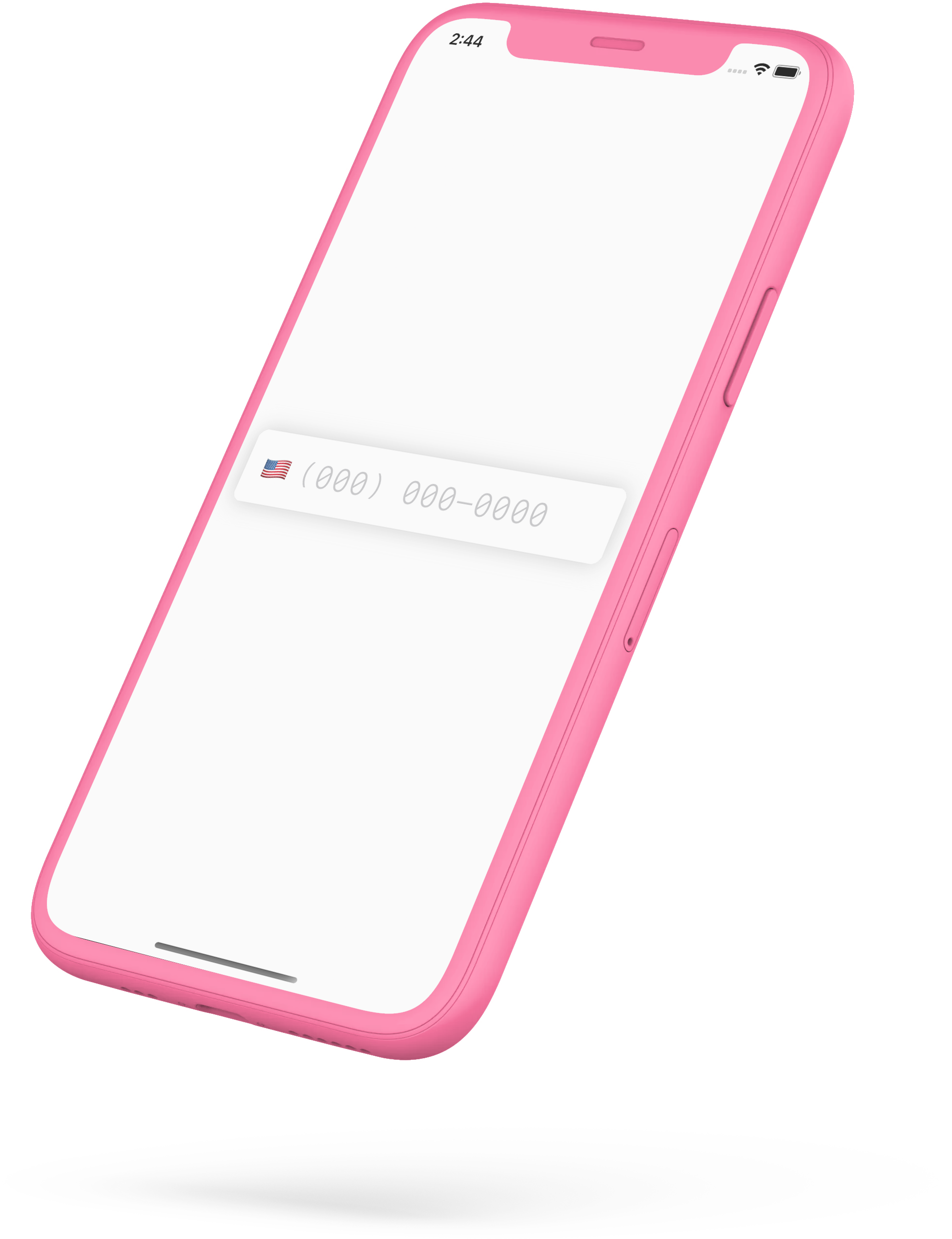
Formatting a phone number sounds like an afternoon of work. It isn’t. Formatting one in real time — as someone types — means carrying formatting data for every country (and they’re nearly all different), reformatting on every keystroke, and moving the cursor programmatically so it lands in the right place as spaces, dashes, and parentheses appear around it. Then making all of that survive deletion, not just typing.
In UIKit you could hack it together. In SwiftUI, in 2020, it went from very hard to nearly impossible.
Apple has this exact code — every iOS keyboard formats phone numbers. They’ve just never made it public.
So we built iPhoneNumberField: real-time phone number formatting, entirely in SwiftUI.
Try it — the formatting is live.That’s it running in your browser. On a phone it’s identical — every keystroke reformatted, the cursor always landing where it should:
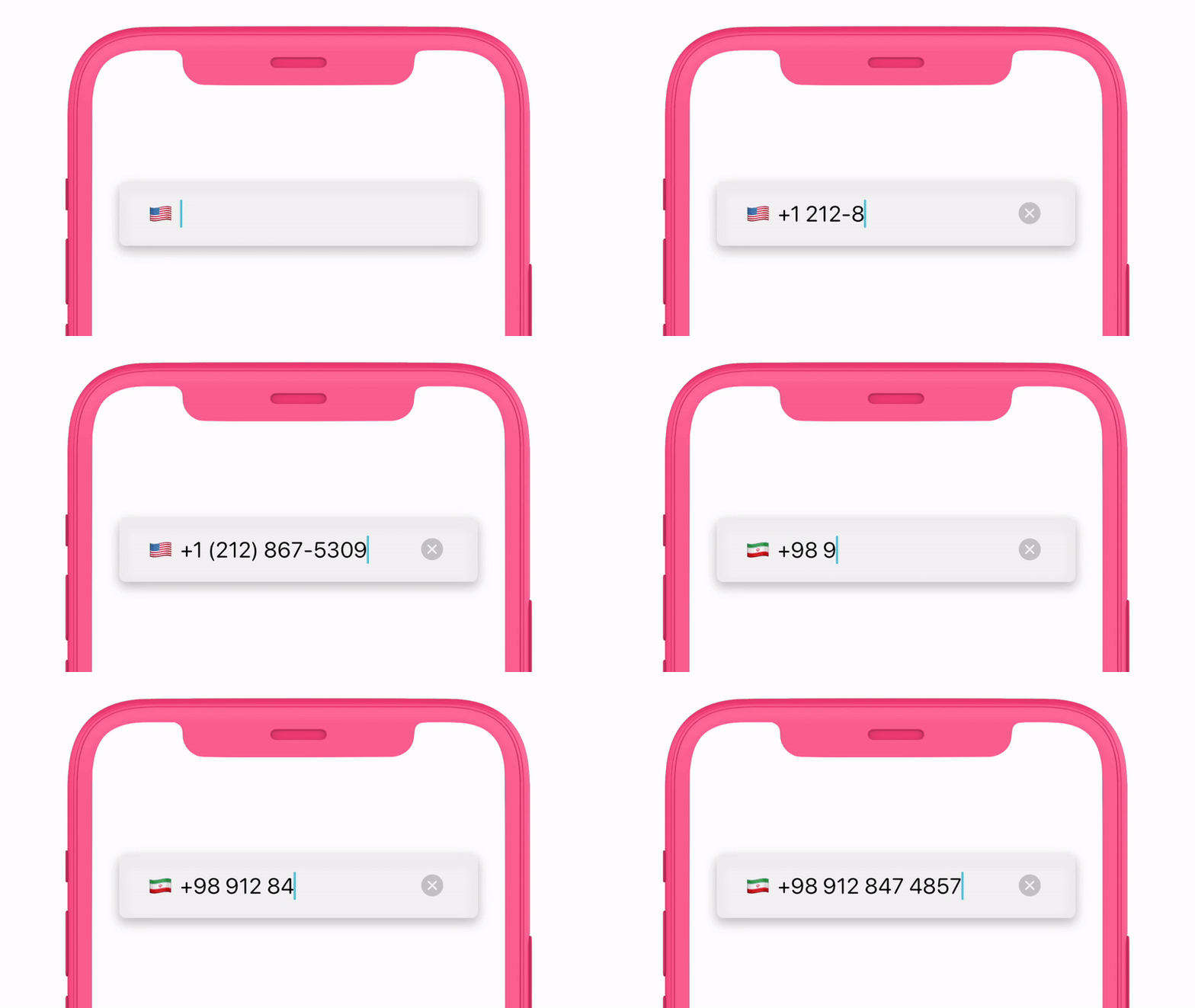 Formatting on every keystroke, cursor always in the right place.
One line
import SwiftUI
import iPhoneNumberField

struct ContentView: View {
    @State var text = ""

    var body: some View {
        iPhoneNumberField("Phone", text: $text)
    }
}
That’s the whole integration. It’s a Swift package, so you add it the way you add any other — point Xcode at the repo URL — and the field is yours. It takes the SwiftUI modifiers you already reach for, .font(_:), .multilineTextAlignment(_:), and the rest, then adds a handful of its own for the parts that are particular to phone numbers.
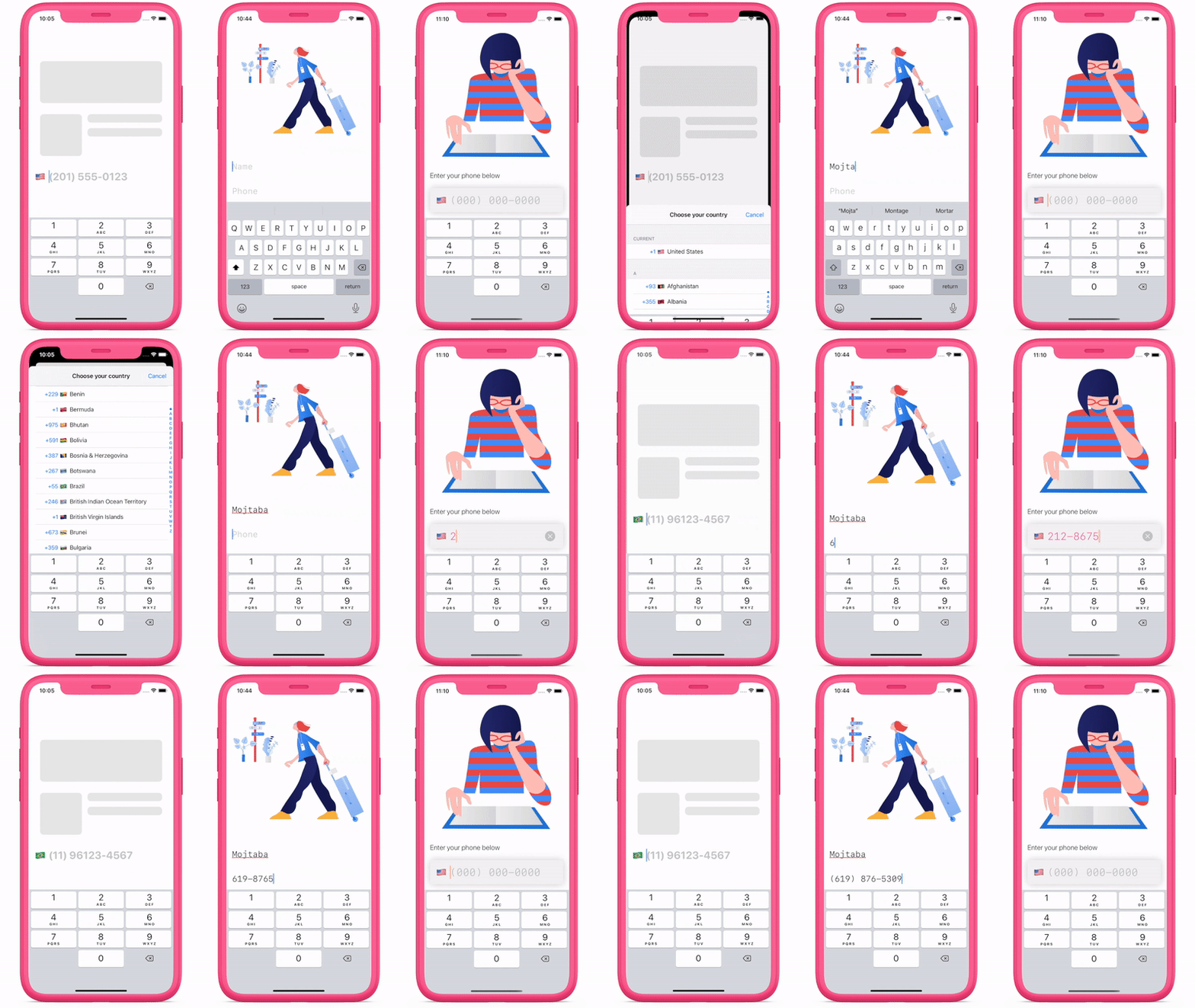 Flags, programmatic focus, and custom styles.
Flags
A phone field that formats for every country should say which country. The field can detect the flag from what’s being typed, or present a sheet of all of them:
iPhoneNumberField("Phone", text: $text)
    .flagHidden(false)
    .flagSelectable(true)
Focus
A phone field usually lives on a screen with other fields, and in 2020 SwiftUI had no way to move focus between them programmatically. The field ships with an isEditing binding so the keyboard goes where your code says, not just where the user taps:
@State var text = ""
@State var isEditing = false

iPhoneNumberField("Phone", text: $text, isEditing: $isEditing)
Styling
Everything else is modifiers, so the field can match whatever your app already looks like:
iPhoneNumberField(text: $text)
    .flagHidden(false)
    .flagSelectable(true)
    .maximumDigits(10)
    .clearButtonMode(.whileEditing)
    .accentColor(.orange)
    .padding()
    .background(Color.white)
    .cornerRadius(10)
    .shadow(color: .gray, radius: 10)
The README has the full list, and there’s a video walkthrough if you’d rather watch. Nearly impossible in 2020. One line now.
iPhoneNumberField is on GitHub. Get the package.